simPODD
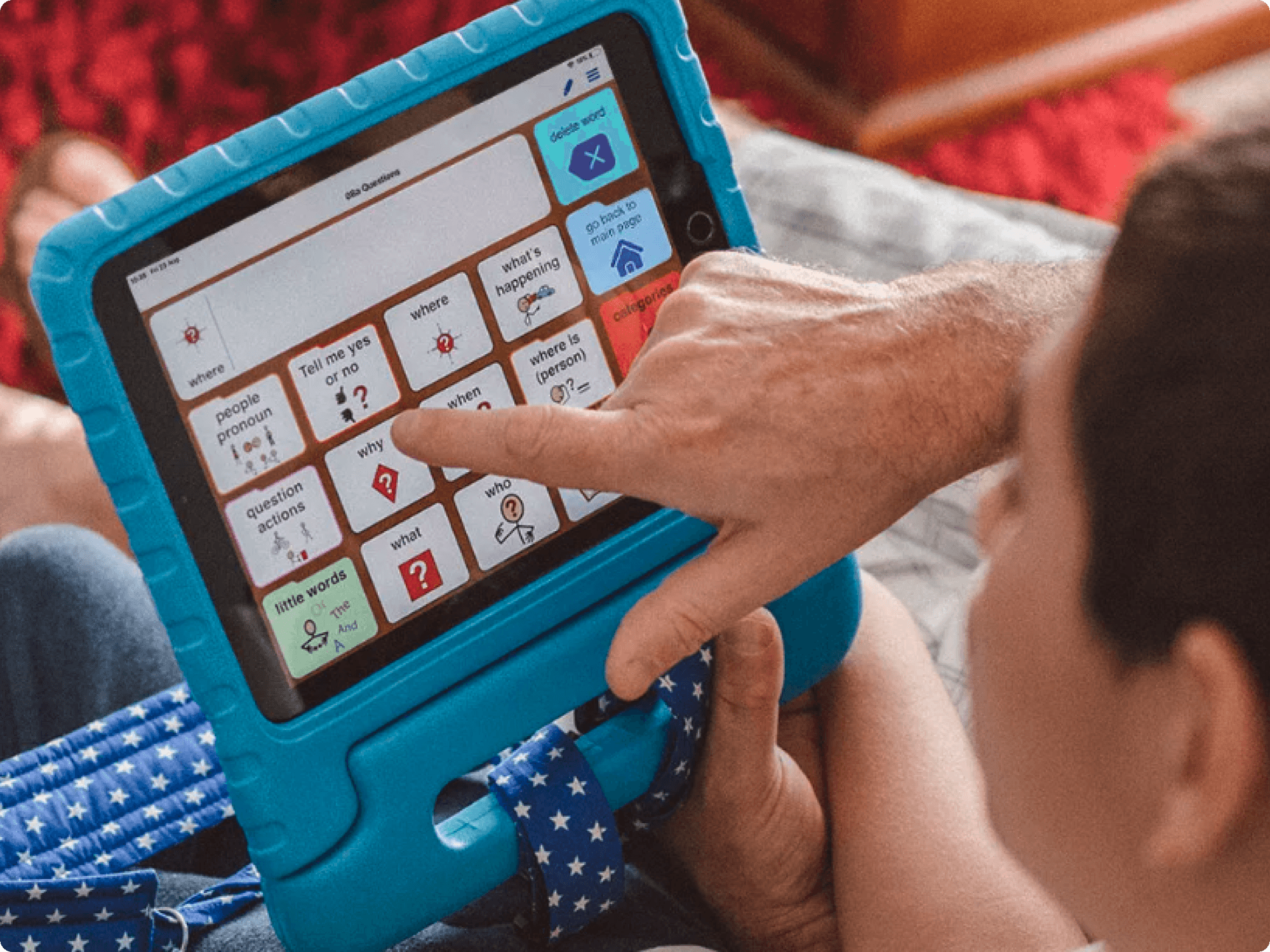
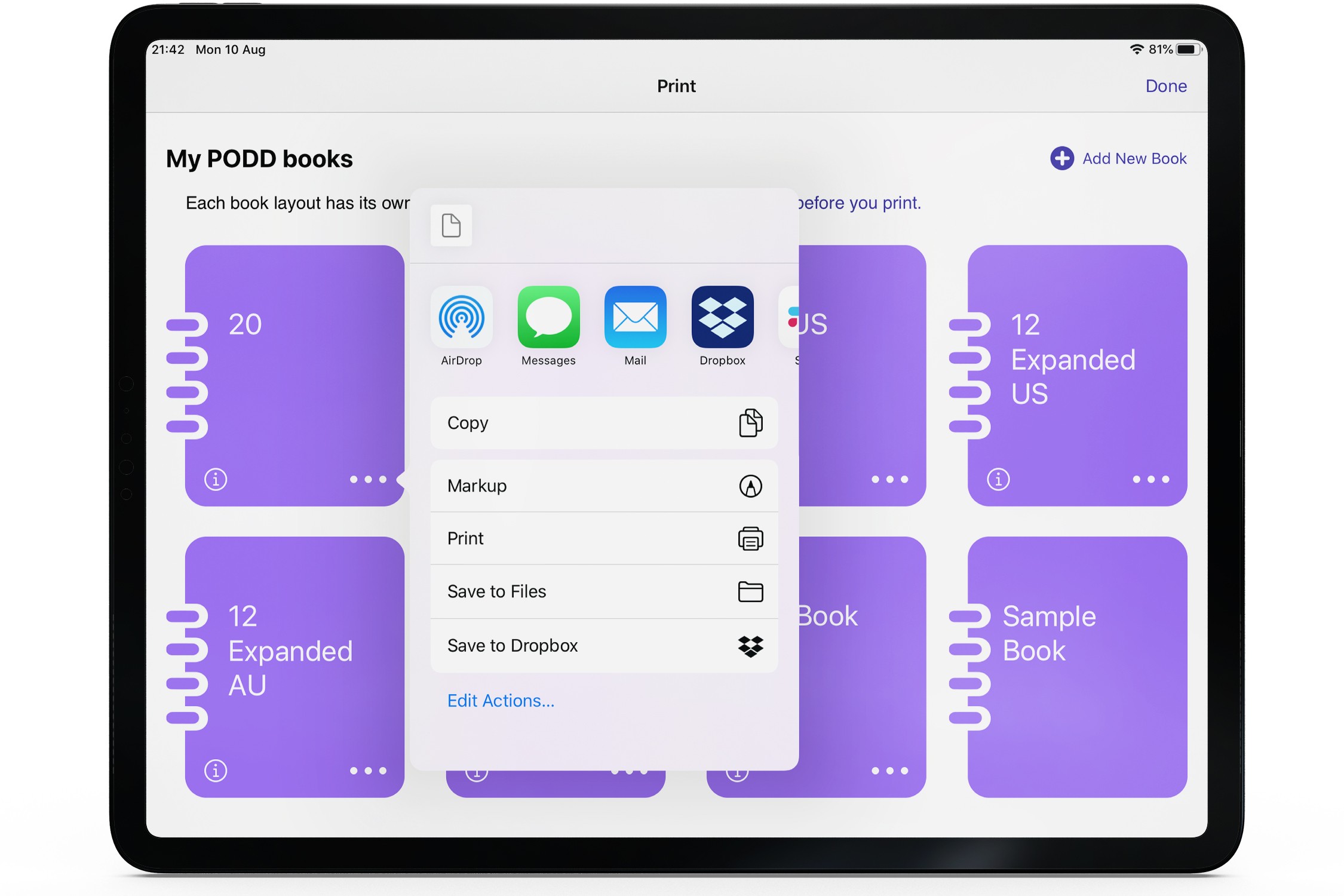
simPODD is the only iPad app for PODD that combines both digital page sets and a full printing interface in one place. Designed in partnership with Gayle Porter, the creator of the PODD system, it gives non-speaking individuals and their families a single tool to communicate, customise, and print without juggling multiple subscriptions or programmes.
Tools: Figma, Photoshop, Illustrator, Sketch
The Challenge
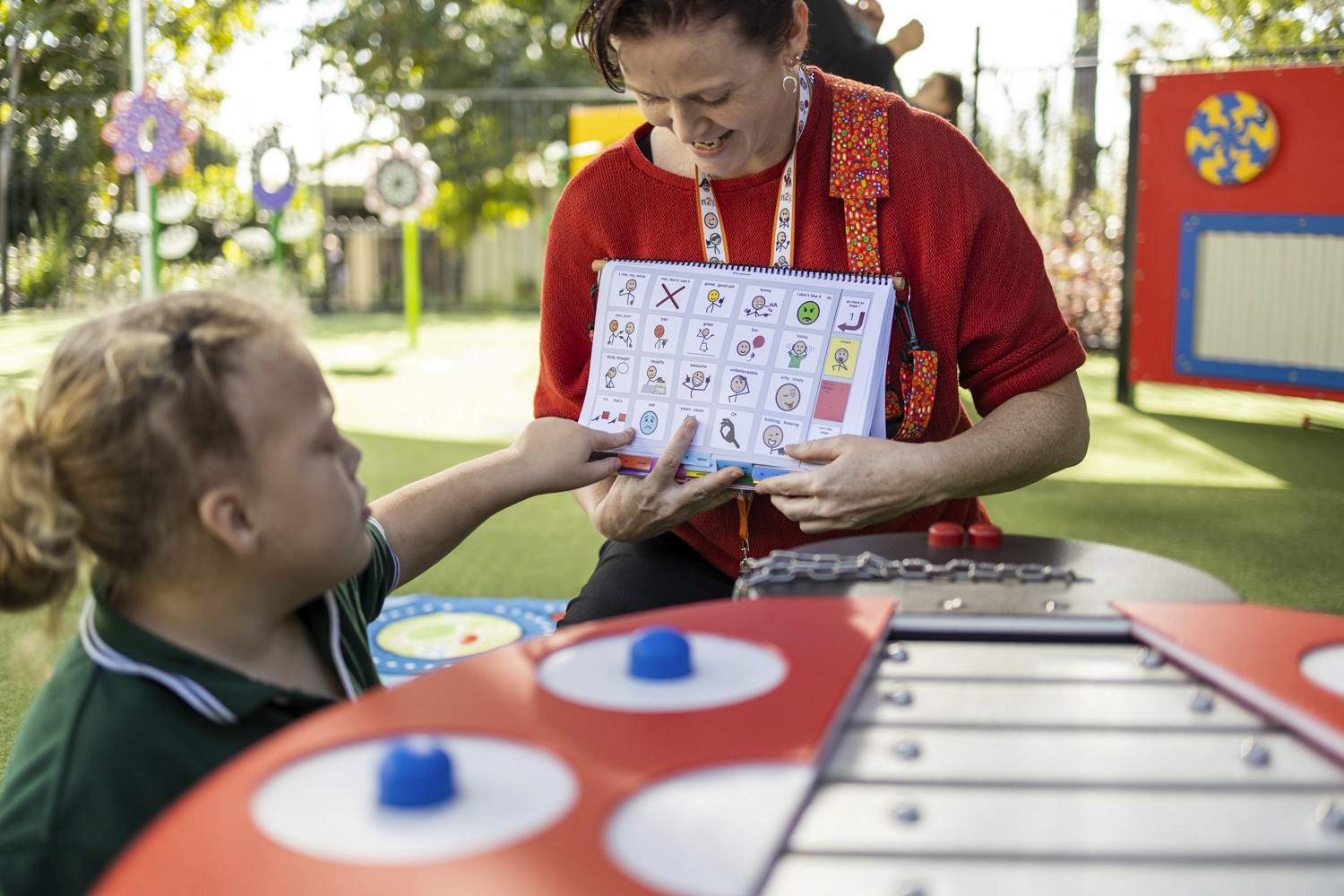
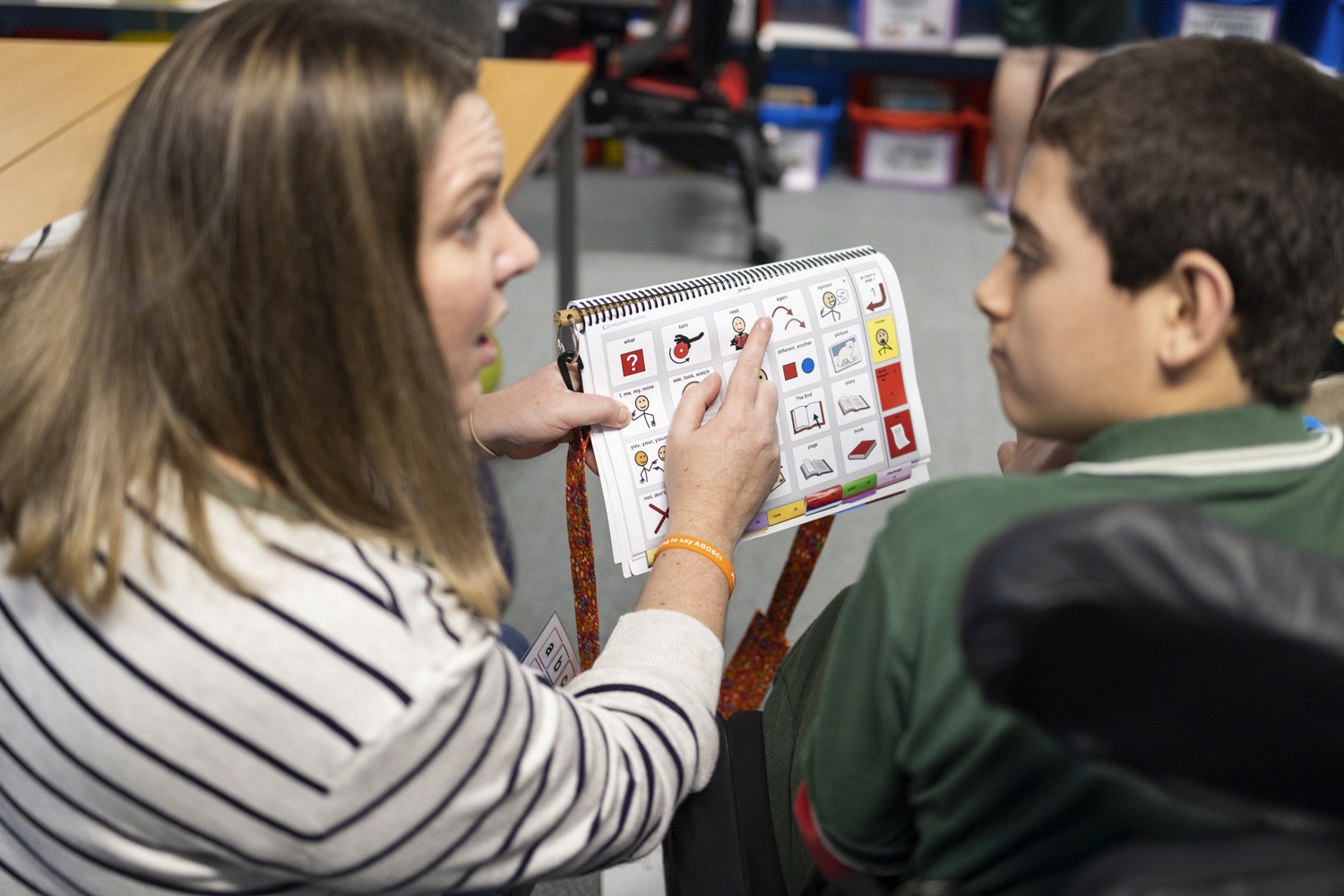
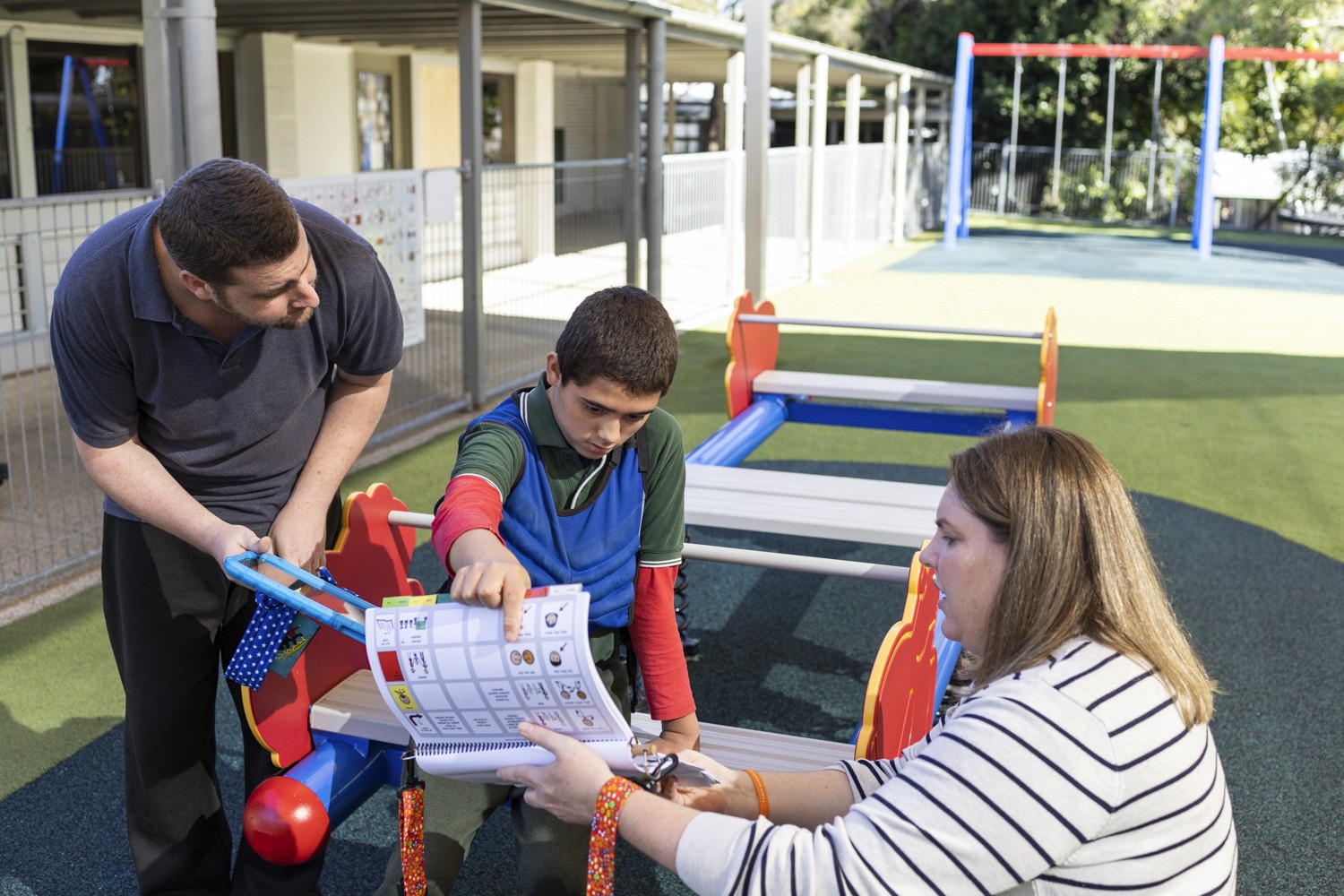
PODD is one of the most widely used vocabulary systems for people with communication disabilities but for thousands of families, using it meant carrying a heavy spiral-bound book everywhere. A book a child with severe physical impairments could barely lift, let alone navigate independently. The question wasn't whether PODD worked. It did. The question was whether it could live on a device and whether that device could also replace the printed book entirely.
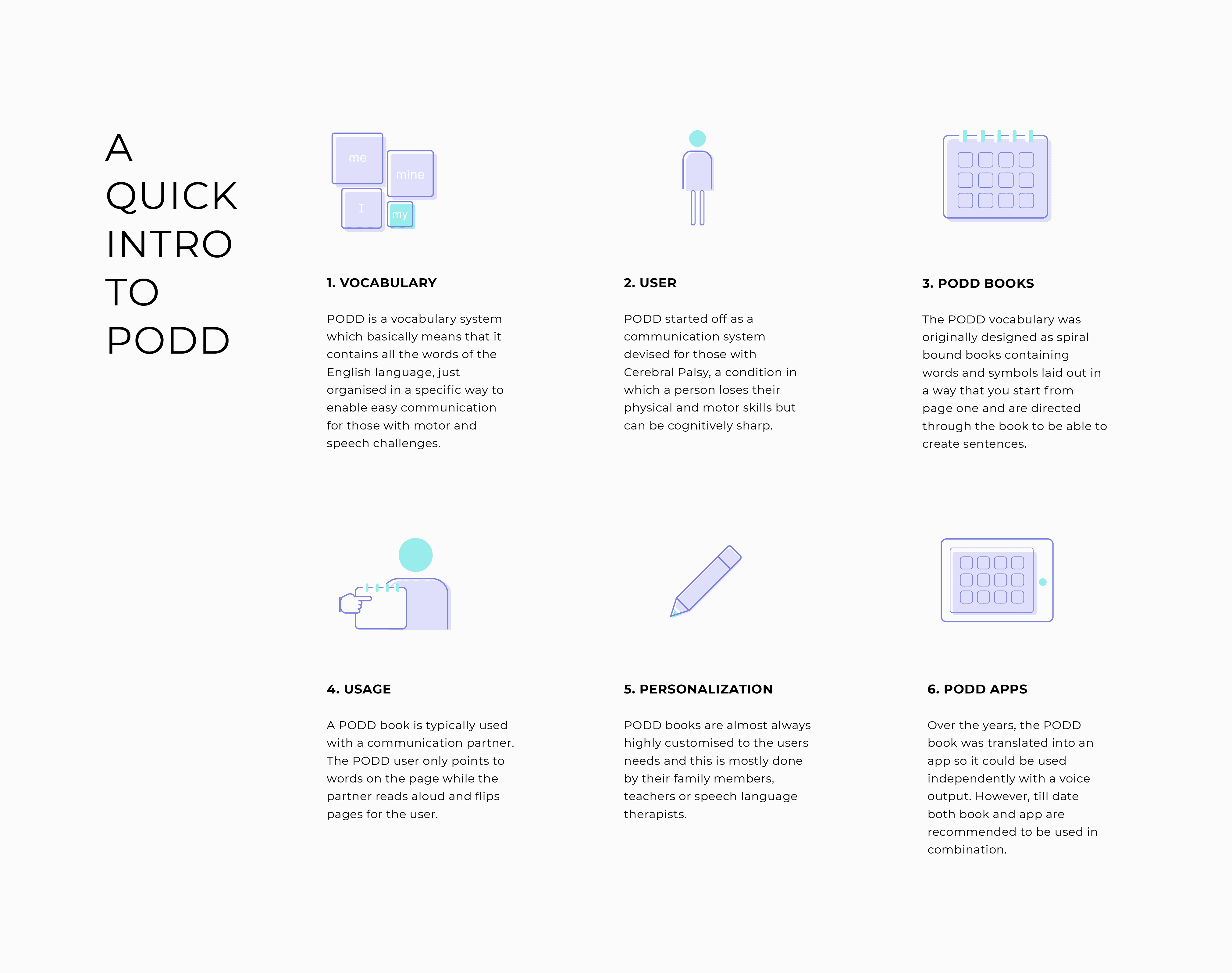
The User
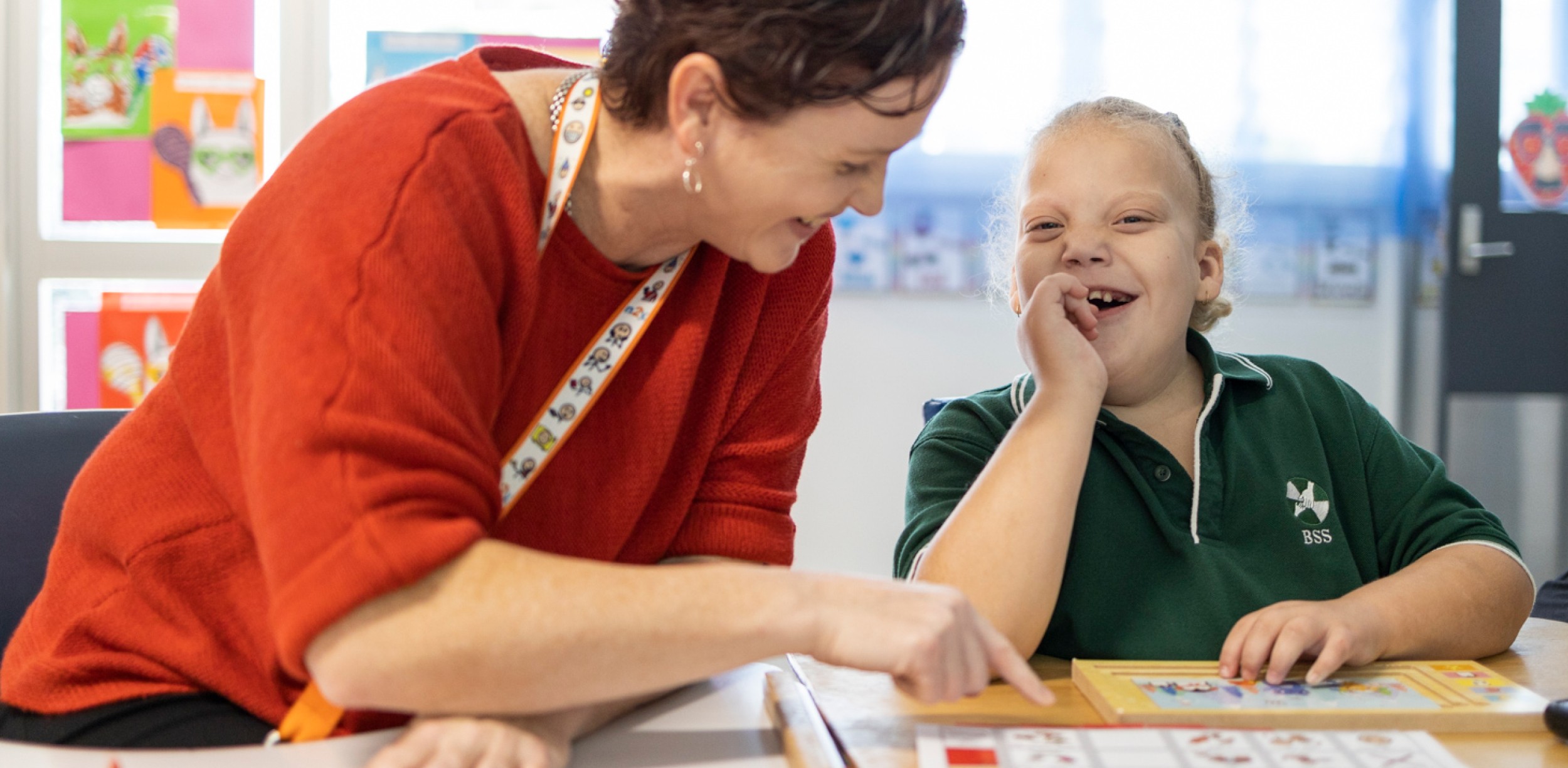
There are more than thousands of families that use PODD. PODD could be considered for anyone who would benefit from using tools to support communicating with others, and they can be personalised and adjusted to suit a person of any age. The aim of a PODD is to provide vocabulary for use in multiple environments, with a range of messages, across a range of topics. Selection of words and symbols in the PODD can be made by pointing, looking or other combinations of methods. Parents often learn about PODD with a big printed book with laminated pages. The question is how a child with severe impairments could ever learn to carry it, much less use it.
The Goal
Design a platform for non-speaking children using PODD communication systems, serving a highly specialised global user base across schools, therapy practices, and homes.
Outcome
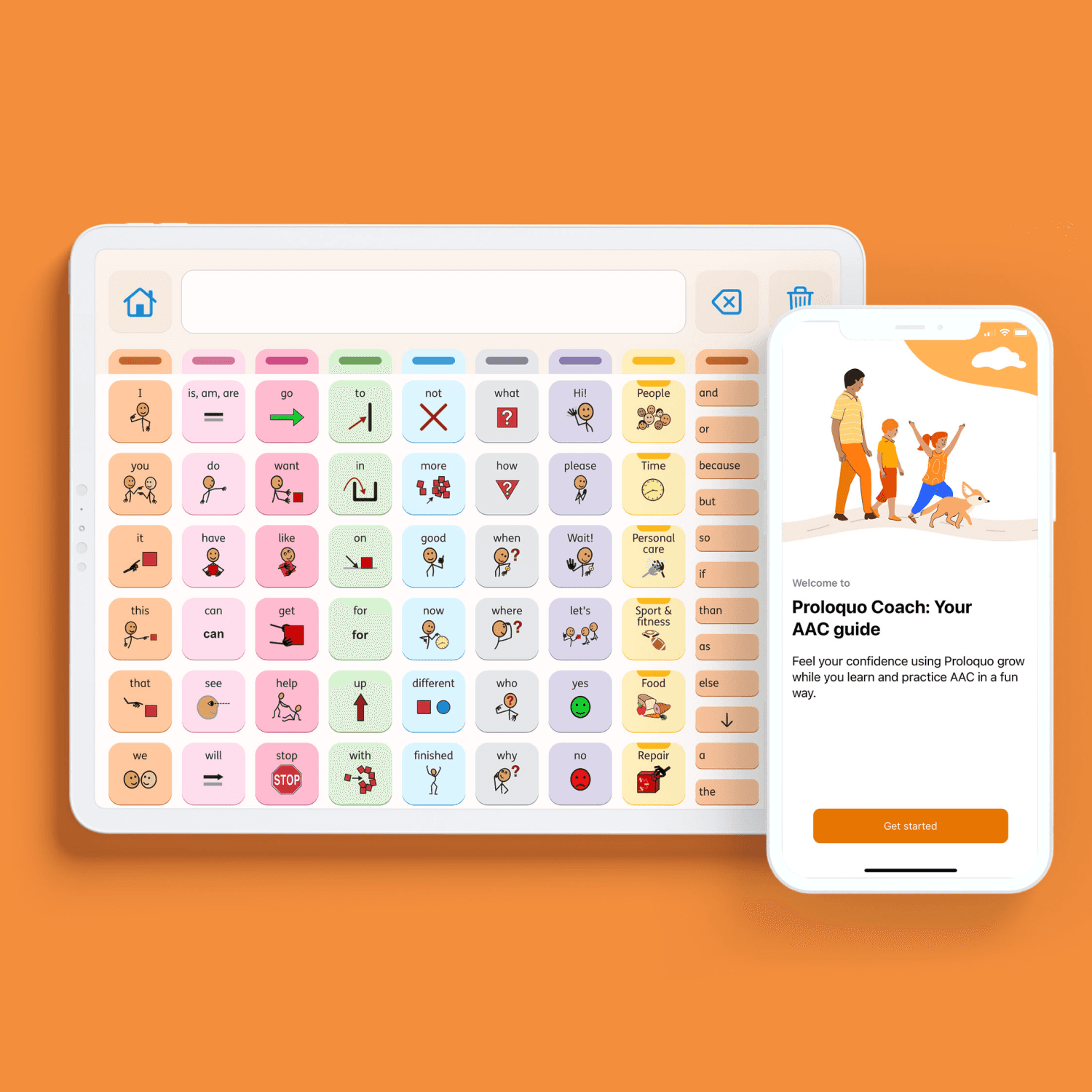
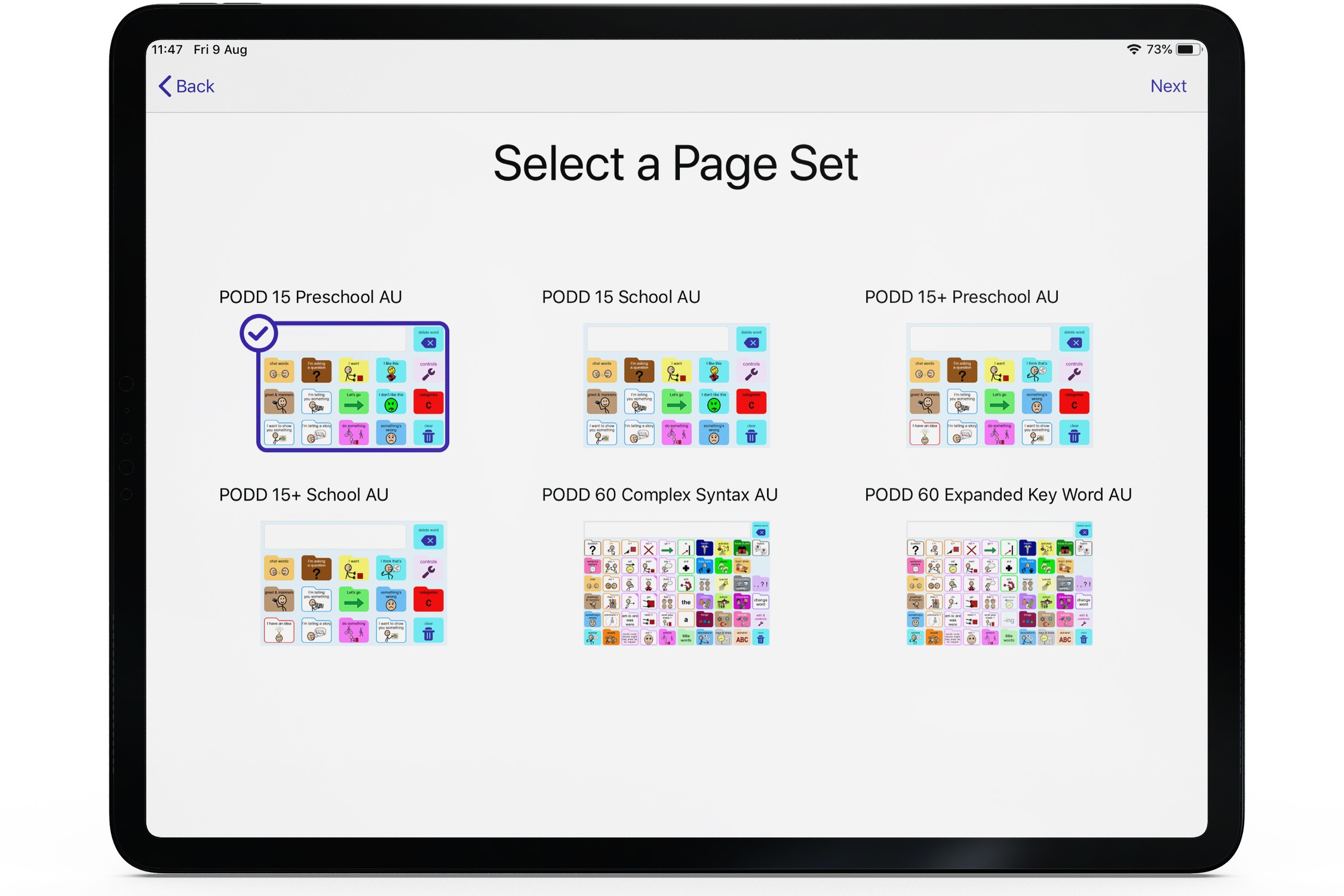
simPODD now provides access to all PODD digital page sets across preschool, school, and complex syntax levels, with 38 natural-sounding text-to-speech voices including genuine children's voices, and regional vocabulary for multiple English-speaking markets. Part of an AssistiveWare product portfolio that saw a consistent 15%+ year-on-year revenue increase during campaign periods.
*All image credits to AssistiveWare.
Creating the brand and interface design
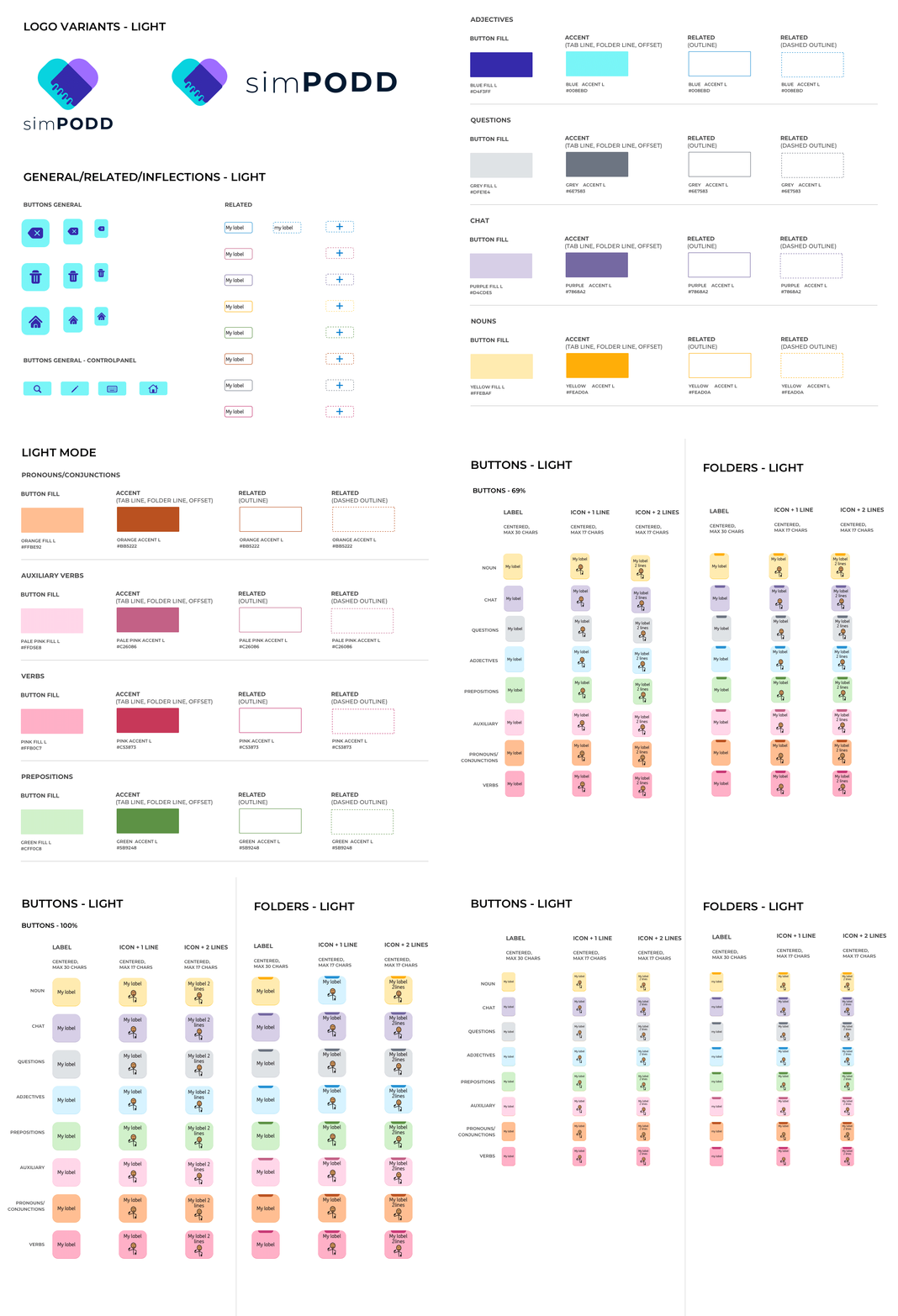
The simPODD logo was designed to communicate the app's core proposition in a single mark: the union of digital and print. Two worlds that had always existed separately, now one. Color selection was driven by accessibility compliance, every choice was validated against AA contrast ratio standards to ensure the interface worked for users with visual impairments, not just those without.
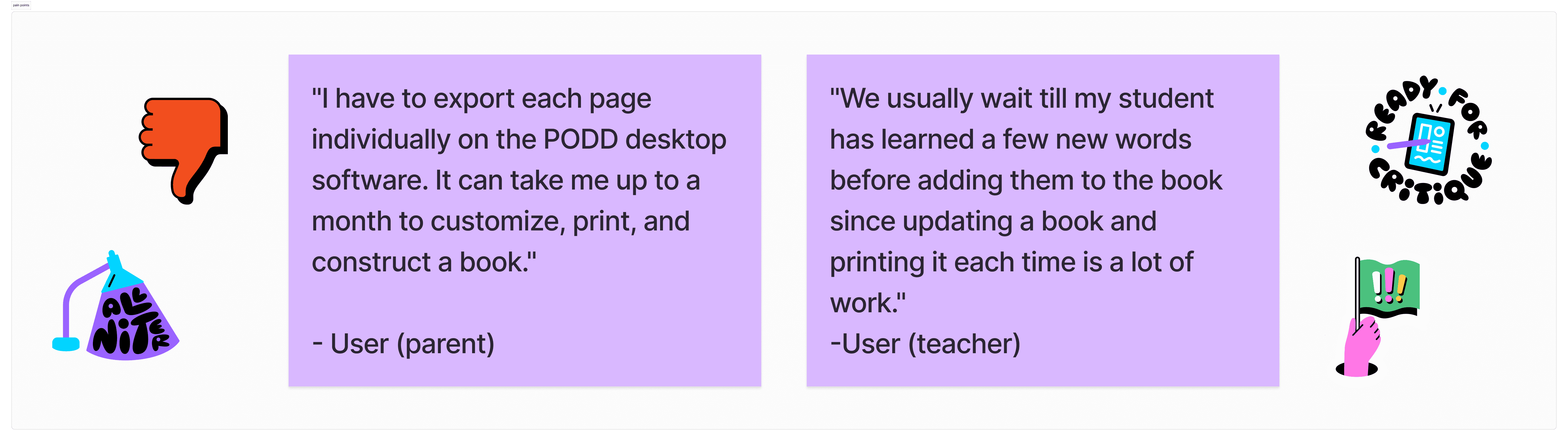
As part of the product division at AssistiveWare, working within a cross-functional team included a UX designer, educational consultant, and speech-language pathologist. I owned the end-to-end visual design : brand identity from scratch, UI design, design system, accessibility implementation, and prototyping collaborating closely with the UX designer and educational consultant who defined the vocabulary structure and communication logic.Using the existing PODD book, printing software was tedious. Users required reading heaps of documentation to understand how to set up, export, and construct their book. They found vocabulary editing in the existing solution difficult and, as a result, didn't update their child or student's books often enough.
Design process
Building this design system using Atomic Design wasn't just a visual exercise; it was a highly complex logic puzzle. Because the system utilizes SymbolStix, we had to ensure our UI components could adaptively scale to support thousands of distinct dynamic symbols without breaking grid constraints, cross-device responsivity, or AA accessibility compliance standards.
The Trade-off: During testing, we found that accidental secondary taps entirely disrupted a non-verbal user's communication flow. Our engineering team faced severe rendering and performance constraints trying to calculate complex tap-state intervals dynamically. I collaborated directly with development to design a custom mechanical delay into our button components: balancing visual feedback with backend code processing limits to prevent communication errors.
Testing
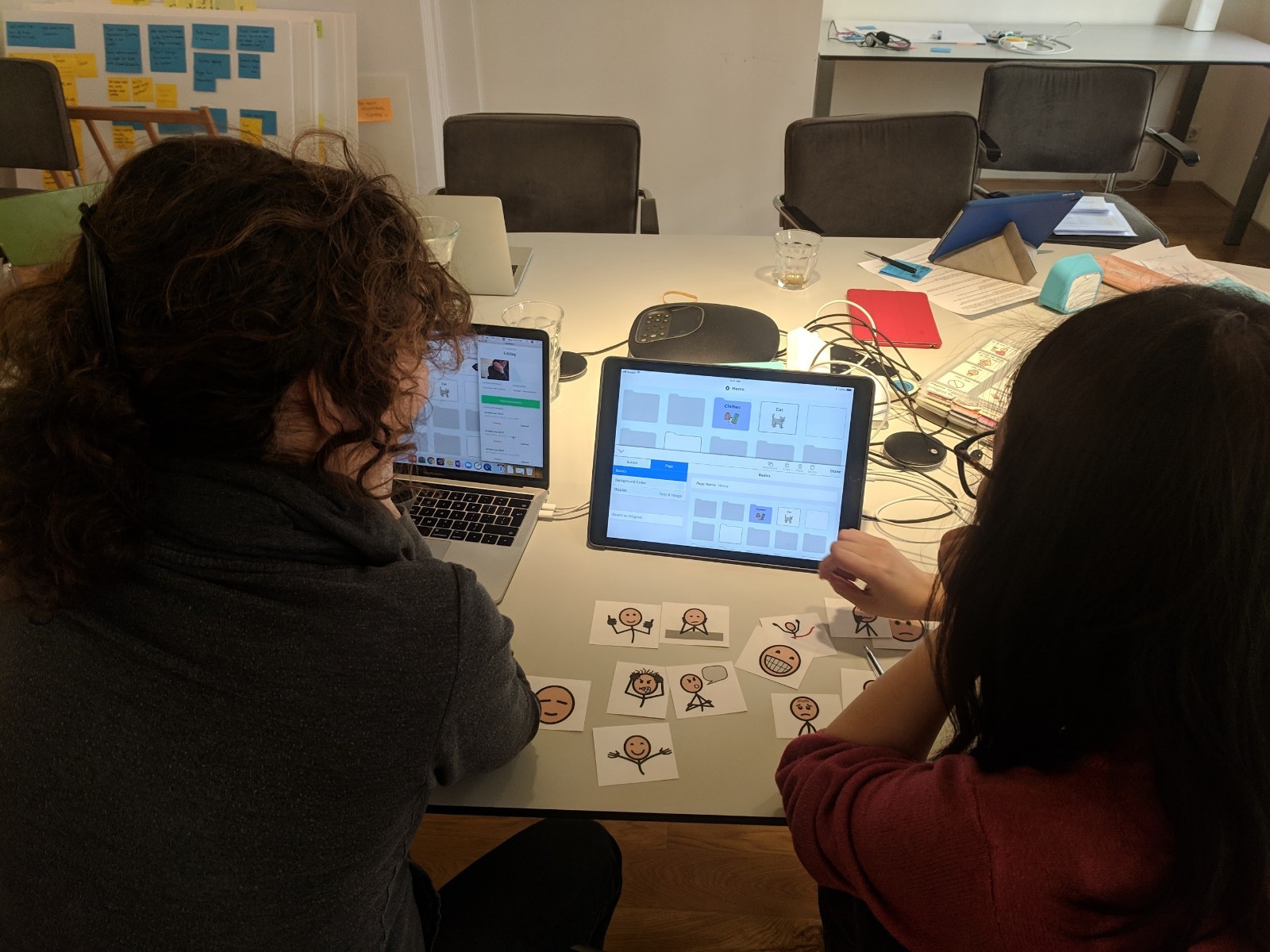
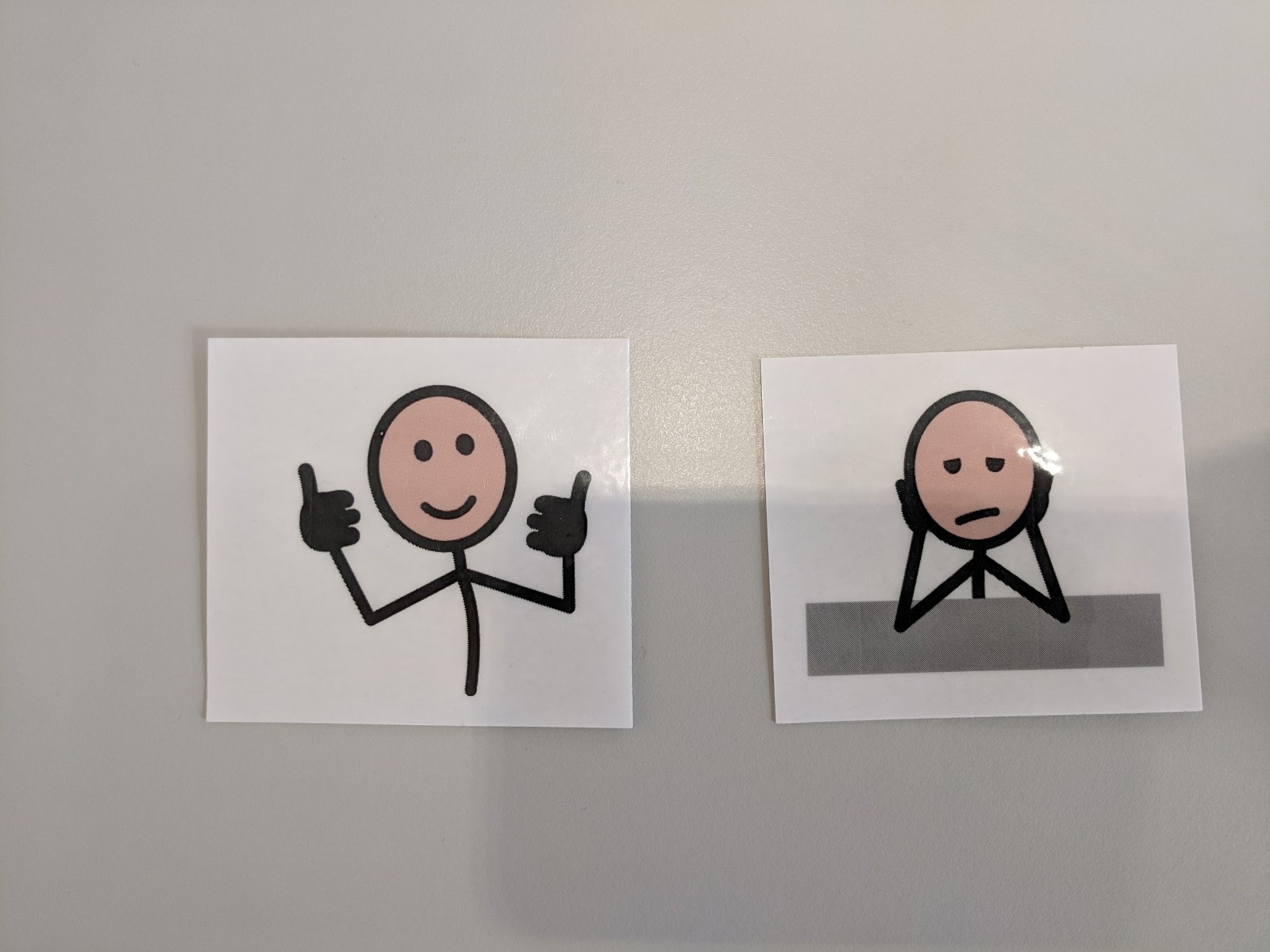
Testing was iterative and deeply human. Sessions ran both remotely with users abroad and in person at the Amsterdam office. One moment stood out: participants were asked to select symbol cut-outs to express how they felt after using the prototype —> a non-verbal feedback method that mirrored the very communication principles the app was built on. It was a reminder that the users of this product don't always have the option of telling you what they think in words. You have to design the research around that reality too.
Outcome
Live on the App Store — the only iPad app combining digital PODD and print in one place
Part of AssistiveWare's ecosystem serving 10,000+ AAC users, professionals, parents and educators
Endorsed by Gayle Porter, creator of PODD: "simPODD empowers individuals to say what I want to say, to whoever, whenever and however I choose to say it"
Built on a design system that serves as the accessibility foundation for future product development
Reflection
simPODD taught me that designing for accessibility isn't a constraint, it's a design brief that makes everything better. When you design for someone who communicates by pointing, looking, or touching a single symbol, every redundant element becomes visible. Every unclear label becomes a barrier. The rigour that accessibility demands produces cleaner, more considered interfaces for everyone. It also taught me something about research. When your users can't always tell you what they think in words, you have to find other ways to listen.